




Can you use Xero for budgeting?
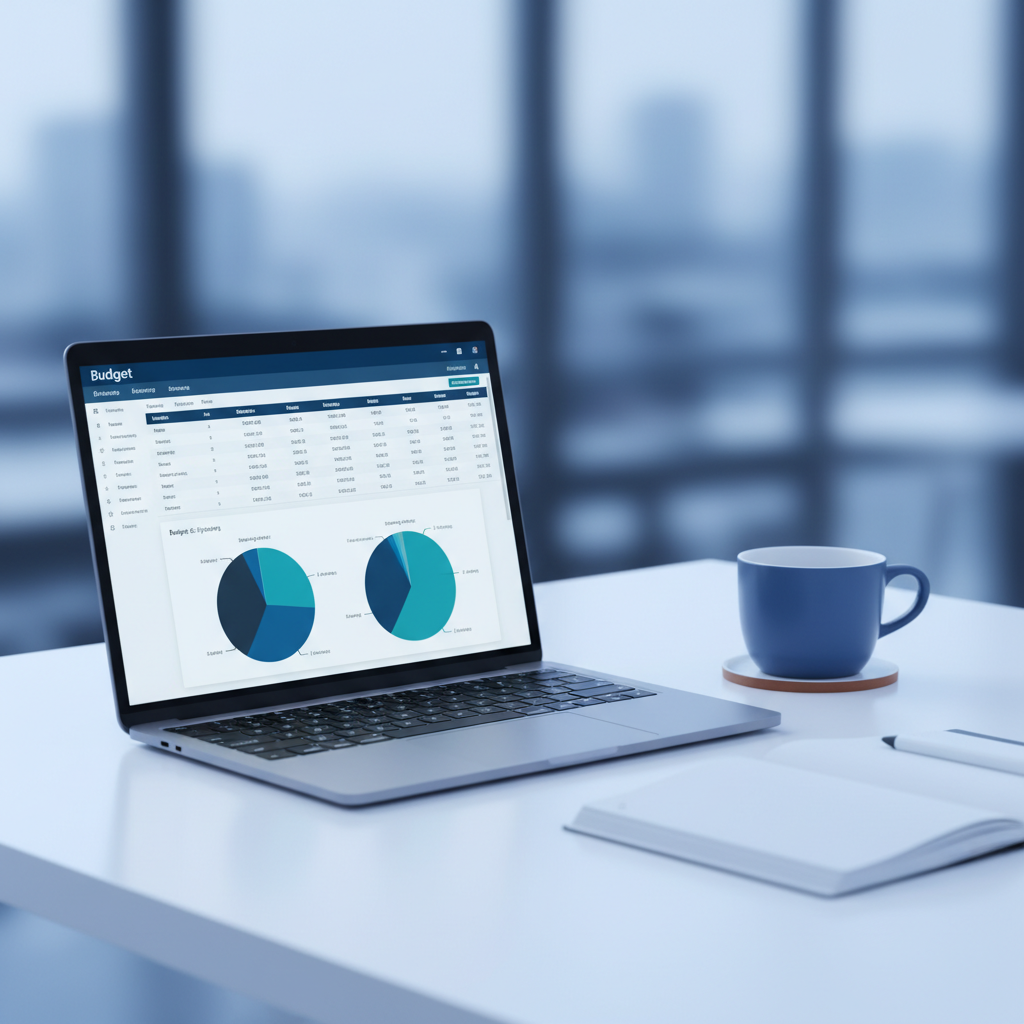
Yes. Xero lets you create budgets at the account level – so you can set targets for income, overheads, cost of sales, and any other line in your chart of accounts. You enter figures manually or import from a template (CSV or Excel). Once your budget is in Xero, you can run a budget variance report that compares your actual figures against the budget for any date range.
Xero’s budget manager also lets you create multiple budgets. That’s useful if you want a best-case and worst-case forecast, or if you budget by department using tracking categories.
What is the difference between a budget and a forecast in Xero?
A budget is what you plan to spend and earn. A forecast is what you expect will actually happen based on current data – invoices raised, bills due, bank balances. Xero handles both. The budget sits in the budget manager. The forecast comes from Xero’s short-term cash flow tool, which looks at upcoming invoices and bills to project your balance sheet position over the next 30 days.
For longer-range forecasting, most accountants use an add-on like Futrli, Fathom or Spotlight Reporting. These pull your Xero data and let you model scenarios – what happens if you hire two staff, lose a client, or move premises. We help clients choose the right tool and set it up.
Why budgeting matters for small businesses
Without a business budget, you’re guessing. You might know roughly what’s in the bank, but you don’t know whether you can afford to take on a new hire, buy equipment, or survive a quiet quarter. A budget gives you that answer before you commit.
Budgets also help with tax. If you know your expected profit for the year, your accountant can plan for corporation tax, suggest pension contributions, or time capital purchases to claim depreciation in the right period. That’s financial planning – not just number tracking.
And if you’re applying for a loan or investment, lenders want to see a budget and cash flow forecast. A business budget built from your Xero accounting software data is far more credible than a standalone spreadsheet.
How we set up budgeting in Xero for you
- Review your chart of accounts – We tidy up your account codes so expenses and income are grouped properly. No more dumping everything into “miscellaneous” or “other costs”.
- Build your business budget – Using your last 12 months of Xero data as a baseline, we create a budget with realistic monthly targets for revenue, overheads, payroll, and direct costs.
- Set up variance reporting – We configure a monthly budget vs actual report so you can see where you’re over or under at a glance.
- Cash flow forecasting – We connect your budget to a cash flow forecast so you can see the impact on your bank balance, not just your profit and loss.
- Monthly review – We walk you through the numbers each month, flag risks, and adjust the budget as your business changes.
What tools integrate with Xero for financial planning?
Xero’s native budgeting covers the basics well. For deeper financial planning, these add-ons connect directly to your Xero data:
- Futrli – Cash flow forecasting and scenario modelling. Good for businesses that need to plan 6-12 months ahead.
- Fathom – Management reporting, KPIs, and visual dashboards. Useful if you report to a board or investors.
- Spotlight Reporting – Forecasting and budgeting with a focus on three-way financial models (profit and loss, balance sheet, cash flow).
- Float – Real-time cash flow forecasting that syncs with your Xero invoices and bills daily.
We’ve used all of these with clients. Which one suits you depends on your business size, what you need to report on, and whether you want your bookkeeper or accountant to manage it.
Can I use Xero for personal budgeting?
Xero is designed for business accounting, not personal finance. You can try Xero for free with a 30-day trial, but it’s built around invoicing, bank reconciliation, and business reporting. For personal budgeting, tools like YNAB or Money Dashboard are a better fit. If you run a business and want to separate personal and business finances properly, that’s something we help with during Xero setup.
What does it cost?
Our budgeting and financial planning service starts from 100 per month, depending on how many accounts you’re tracking and whether you need a forecasting add-on. We use Xero UK pricing for the software itself – Starter at 15/month, Growing at 30/month, or Premium at 47/month. Most businesses using budgets need the Growing or Premium plan.
Get started
Call us on 0161 832 4451 or book a free consultation. We’ll look at your current Xero setup, tell you what a budget would look like for your business, and give you a fixed quote. Costs directly relating to your business deserve proper tracking – not guesswork.
Related guides and services
Read more from our Xero experts: