How to File VAT Returns in Xero
Filing your VAT return through Xero takes about five minutes once your bookkeeping is up to date. Xero connects directly to HMRC’s Making Tax Digital (MTD) gateway, calculates the figures from your transactions, and submits the return electronically. No bridging software needed, no manual data entry.
Before You Start: Checklist
Before filing your VAT return, make sure:
- All bank transactions are reconciled for the VAT period – unreconciled items may contain VAT that hasn’t been captured
- All sales invoices are entered – any invoices not yet in Xero won’t appear on the return
- All purchase bills are entered – missed bills mean missed VAT reclaims
- VAT codes are correct – check that transactions have the right tax rate (standard 20%, reduced 5%, zero-rated, exempt)
- Credit notes are recorded – both customer credit notes (reducing output VAT) and supplier credit notes (reducing input VAT)
Step-by-Step: Filing a VAT Return in Xero
- Go to Accounting > Reports > VAT Return
- Xero shows the VAT period with pre-calculated Box 1 to Box 9 figures
- Review each box. Click on any figure to drill down to the underlying transactions
- If everything looks correct, click Submit to HMRC
- Xero sends the return via MTD and displays a confirmation with the submission receipt
- The return moves to the “Filed” tab in your VAT return history
The whole process takes under five minutes if your records are clean. The time-consuming part is the bookkeeping that precedes it – which is why keeping Xero up to date throughout the quarter matters.
Understanding the VAT Return Boxes
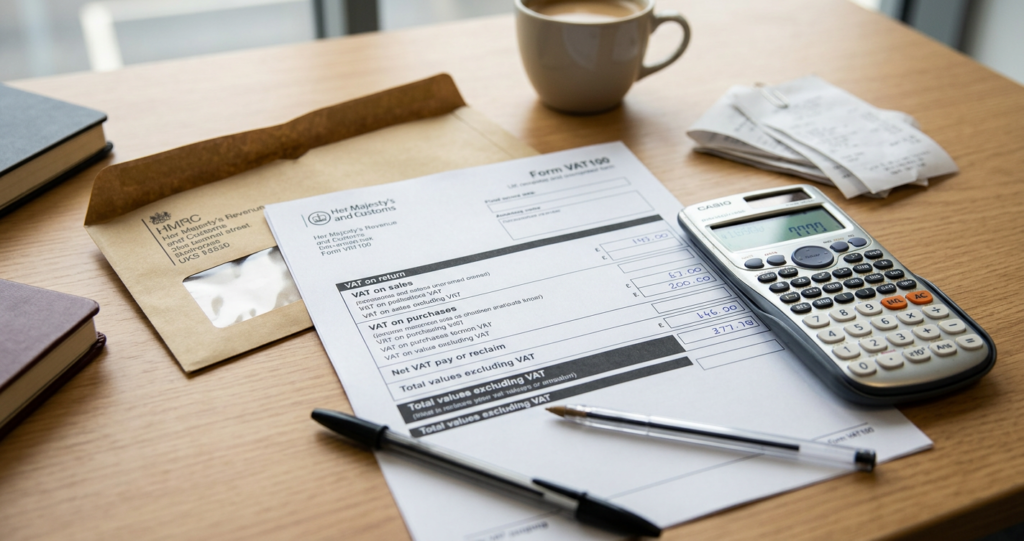
- Box 1 – VAT due on sales (output tax): total VAT you’ve charged to customers
- Box 2 – VAT due on acquisitions from EU (post-Brexit, this applies to Northern Ireland only)
- Box 3 – total VAT due (Box 1 + Box 2)
- Box 4 – VAT reclaimed on purchases (input tax): total VAT you’ve been charged by suppliers
- Box 5 – net VAT to pay or reclaim (Box 3 minus Box 4). Positive = you owe HMRC. Negative = HMRC owes you.
- Box 6 – total sales excluding VAT
- Box 7 – total purchases excluding VAT
- Box 8 – total supply of goods to EU (NI protocol only)
- Box 9 – total acquisitions from EU (NI protocol only)
Most small businesses only need to check Boxes 1, 4, and 5. If Box 5 is positive, you owe HMRC that amount. If negative, you’re due a refund (common for businesses with zero-rated exports or significant capital expenditure).
VAT Schemes in Xero
Standard VAT accounting
You account for VAT based on invoice dates. VAT is due when you issue an invoice, regardless of when the customer pays. This is the default scheme and suits most businesses.
Cash accounting scheme
You account for VAT based on payment dates. VAT is only due when you receive payment. This helps cash flow because you don’t pay HMRC for VAT on invoices your customers haven’t paid yet. Available to businesses with taxable turnover under £1,350,000.
Flat rate scheme
Instead of calculating exact VAT on every transaction, you pay HMRC a fixed percentage of your gross turnover. The rate depends on your industry (e.g. 14.5% for computer consultants, 12% for pubs). You can’t reclaim VAT on most purchases, but the admin is simpler. Xero handles flat rate calculations automatically.
To change your VAT scheme in Xero, go to Accounting > Advanced > Financial Settings and update the VAT settings. Make sure you change schemes at the start of a VAT period, not mid-quarter.
Common VAT Return Mistakes
- Wrong VAT rate on transactions – the most common error. Check that exempt items (insurance, finance charges) aren’t coded as standard rate.
- Missing purchase invoices – if a supplier invoice arrives after you’ve filed, the VAT reclaim is delayed to the next quarter. Process bills promptly.
- Forgetting reverse charge – for certain services bought from overseas suppliers, you must account for VAT under the reverse charge mechanism. Xero handles this if the transaction is coded correctly.
- Not reconciling before filing – filing a return with unreconciled transactions means the figures may be incomplete. Always reconcile first.
VAT Payment Deadlines
After filing your return, you need to pay HMRC by the deadline:
- Quarterly VAT – payment due one month and seven days after the quarter end (e.g. Q1 ending 31 March, payment due by 7 May)
- Monthly VAT – same rule: one month and seven days after the period end
- Direct debit – if you set up a VAT direct debit with HMRC, they collect automatically three working days after the deadline. This is the easiest option and you never miss a payment.
Connecting Xero to HMRC for MTD
If you haven’t connected Xero to HMRC yet:
- Go to your VAT return in Xero
- Click Connect to HMRC
- You’ll be redirected to the HMRC Government Gateway
- Log in and grant Xero permission to file on your behalf
- The connection is active and you can file returns directly from Xero
The connection lasts 18 months. Xero prompts you to reconnect before it expires.
How JacRox Can Help
We prepare and file VAT returns for businesses across the UK. We review your Xero records before each filing to catch errors, ensure you’re reclaiming all eligible VAT, and submit on time every quarter. Get in touch to hand over your VAT compliance.
Related guides: Making Tax Digital guide | Bank reconciliation in Xero | Expense tracking in Xero
Looking for help? Our Xero accountants who handle VAT work with businesses like yours every day.