Claiming the Power of Reports in Xero
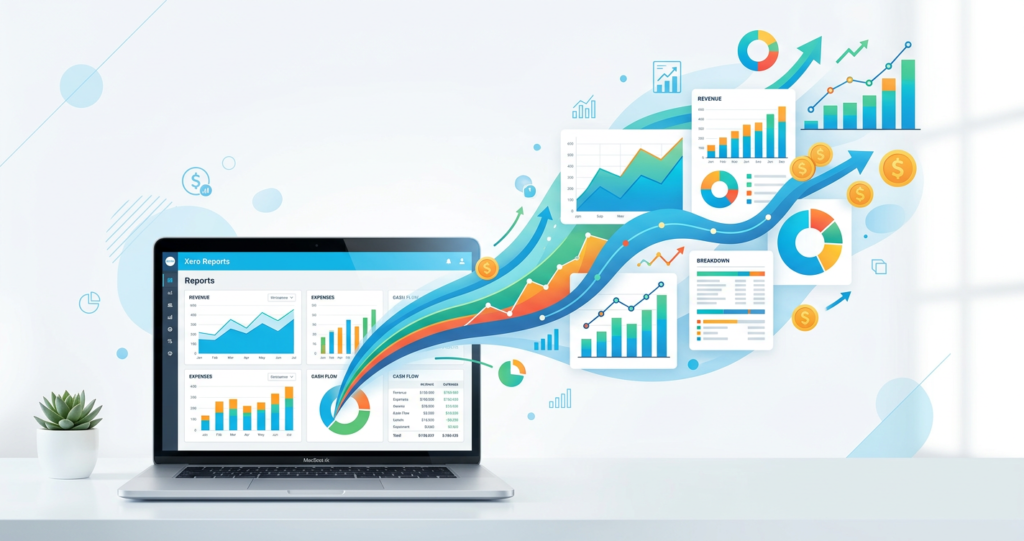
In today’s fast-paced business environment, having access to accurate and detailed financial reports is not just a necessity but a cornerstone for success. Xero, a leading cloud-based accounting software, has revolutionised the way businesses manage their accounts, offering a range of reporting features designed to provide valuable insights into financial performance. This article will explore the robust reporting capabilities of Xero, focusing on how businesses can customise and make the most of new and old reports.
Reports in Xero: A Gateway to Financial Insight
Xero’s reporting function stands out for its adaptability and depth, offering everything from basic transaction reports to comprehensive financial overviews. The key to harnessing the full potential of Xero reports lies in understanding the available options and how to customise them to meet your specific business needs.
Custom Report Creation: Tailoring Insights to Your Needs
One of the standout features of Xero is its custom report capabilities. Whether you are looking to track cash flow, compare budget forecasts against actual figures, or generate detailed balance sheets, Xero allows you to tailor reports by adjusting layout, period, and the specific data you wish to analyse. This customisation ensures that the information most critical to your business is always at your fingertips.
New Reports: Staying Ahead with the Latest Features
Xero continuously updates its platform, introducing new reports that offer fresh perspectives on your financial data. Keeping abreast of these updates can significantly enhance your reporting strategy, allowing you to leverage the latest tools for a more comprehensive understanding of your business’s financial health.
Using Old Reports: Maximising Value from Existing Data
While new reports bring innovative features, the value of existing reports within Xero should not be overlooked. Historical financial data is a treasure trove of insights, and with Xero’s ability to customise and revisit old reports, businesses can track their performance over time, identify trends, and make informed decisions based on a rich data history.
Reporting Features: Beyond the Basics
Xero’s reporting suite includes a variety of features designed to streamline financial management and provide a clearer picture of a business’s financial position.
- Dashboard Overview: Access a snapshot of your financial health at a glance, including outstanding invoices, bank balances, and upcoming bills. This instant overview is invaluable for maintaining a pulse on your business’s financial status.
- Balance Sheet & Profit and Loss Reports: Generate these fundamental financial statements with ease, customising them to reflect the specific information you need. Whether you are looking at asset valuations or assessing profitability, Xero gives you the tools to create reports that reflect your business’s financial realities.
- Reconciliation Reports: Reconcile bank transactions swiftly, ensuring your accounts reflect accurate and up-to-date information. This capability not only saves time but also improves the reliability of your financial reports.
Enhancing Reporting with Customisation and Integration
Xero’s strength lies in its flexibility and integration capabilities. By customising reports to suit your specific requirements and integrating data from various aspects of your business, you can achieve a holistic view of your financial situation. This comprehensive approach enables better strategic planning and informed decision-making, driving your business towards greater success.
Making the Most of Xero Reporting
Streamlining Financial Management with Advanced Xero Reports
In the first part of our exploration into Xero reporting, we uncovered the foundational aspects of customising and using reports to gain insights into a business’s financial health. Moving forward, we delve into more advanced strategies and features within Xero that can further streamline financial management and unlock deeper analytical insights.
Advanced Customisation: Beyond Basic Reports
Xero’s platform allows for an impressive degree of report customisation, enabling businesses to drill down into the specifics of their financial data.
- Custom Layouts and Comparative Analysis: By using custom layouts, businesses can compare performance across different periods, assess variance, and identify trends. This comparative analysis is crucial for strategic planning and forecasting.
- Budget Manager and Forecasting: Xero’s budget manager tool facilitates detailed budget creation and monitoring, allowing businesses to set financial targets and measure actual performance against them. This feature is particularly useful for managing cash flow and ensuring financial stability.
Automation and Integration: Enhancing Efficiency
Xero’s capability to automate reporting processes and integrate with third-party applications significantly reduces the time spent on manual data entry and report generation.
- Automated Report Scheduling: Set up automated reports to be generated and delivered at specified intervals, ensuring you and your stakeholders have regular updates on financial performance without the need to manually generate these reports.
- Integration with Third-Party Apps: Connect Xero with a range of business apps to streamline workflows and consolidate data from various sources into your reports. This integration can enhance the accuracy of your financial analysis and provide a more comprehensive overview of your business operations.
Using Xero Central and Support for Advanced Reporting
Xero Central offers a wealth of resources and support for businesses looking to maximise their use of Xero’s reporting tools.
- Access to Tutorials and Guides: Whether you are looking to understand the basics of financial reporting or explore advanced features, Xero Central provides tutorials, guides, and user forums to support your journey.
- Expert Assistance: For businesses needing more personalised support, Xero’s cloud team members are available to provide expert advice on customising reports, integrating applications, and optimising the use of Xero for your specific business needs.
Making the Most of Your Data: Strategic Insights
The true power of Xero reporting lies in the strategic insights it can provide. By effectively using the data available through Xero reports, businesses can:
- Identify Financial Opportunities and Risks: Through detailed analysis and comparison of financial data, Xero reports can highlight areas of opportunity for growth as well as potential financial risks.
- Optimise Operational Efficiency: Insights gained from reports can inform operational adjustments, leading to improved efficiency and reduced costs.
- Drive Informed Decision Making: Armed with comprehensive financial data, businesses can make more informed strategic decisions, from investment opportunities to resource allocation.
Conclusion
Making the most of Xero reporting requires a combination of using the platform’s advanced features, customising reports to meet specific business needs, and using automation and integration to enhance efficiency. By adopting these strategies, businesses can transform their financial data into actionable insights, driving improved performance and strategic growth.
Ready to improve your financial management with Xero? Fill out the contact form below and a JacRox team member will be in touch to guide you through our cloud accounting services.